

Clinic management platform
Interactive demoLumera Beauty Clinic
A connected clinic workspace for patients, appointments, treatments, documents, stock, communication and business reporting. Explore a substantial hands-on demo with fictional data.
- UI/UX
- Platform development
- Workflow automation
An illustrative concept or interactive demo, created to explore design and functionality.
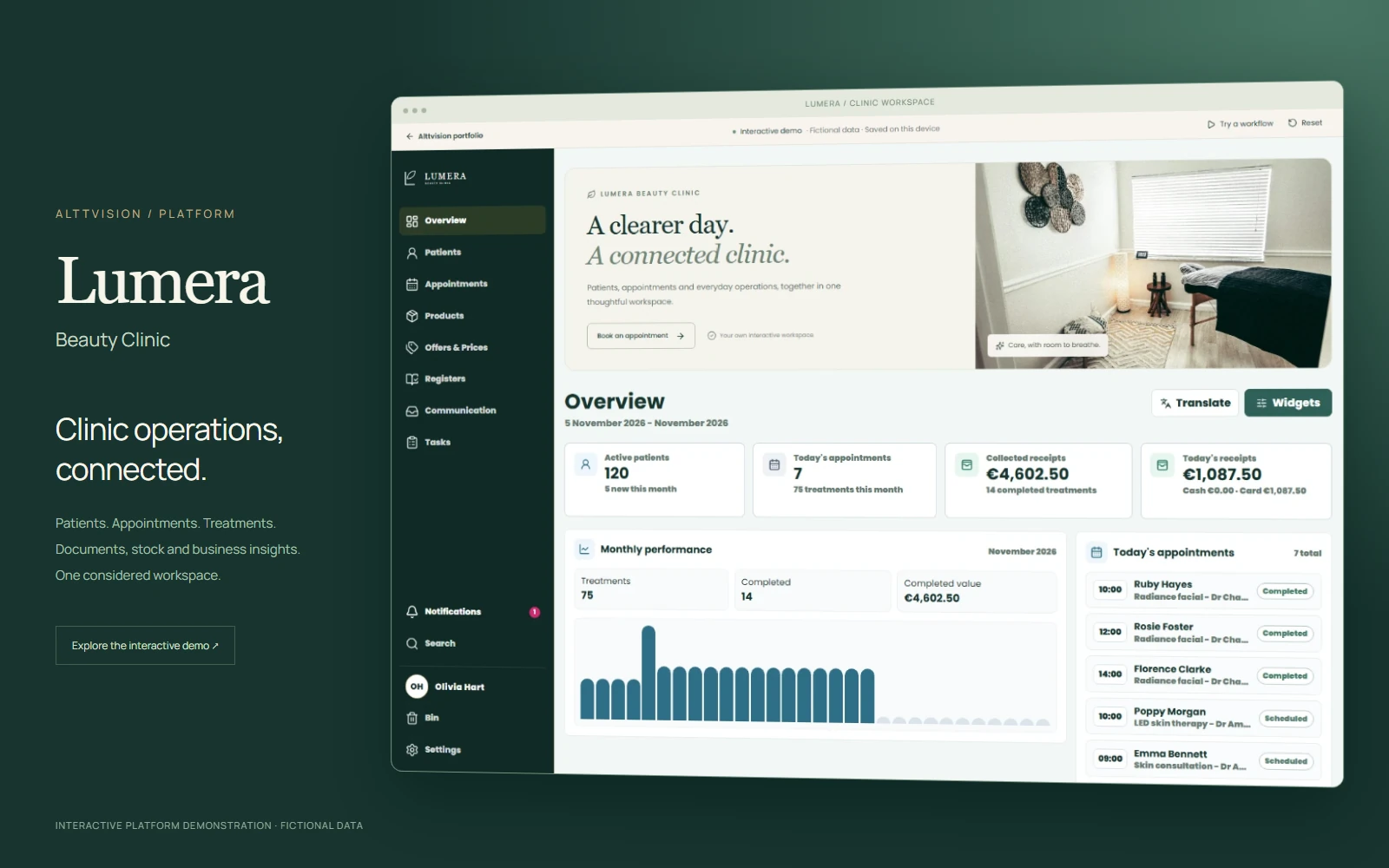
A clinic’s whole working day,
connected.
The patient record, the diary, the treatment room and the business behind it. One considered workspace brings them together.
Explore Lumera Beauty Clinic, a fictional identity for a hands-on demonstration of a real clinic platform. Follow a patient through care, manage the day’s operations and see how the details connect.
No account needed. Fictional data. Your changes stay on this device.

Beauty Clinic · fictional demo identity
The detail of daily work.
The clarity of one view.
A full working interface, with linked records, useful states and room to explore. Every screen shown below uses the fictional demonstration dataset.
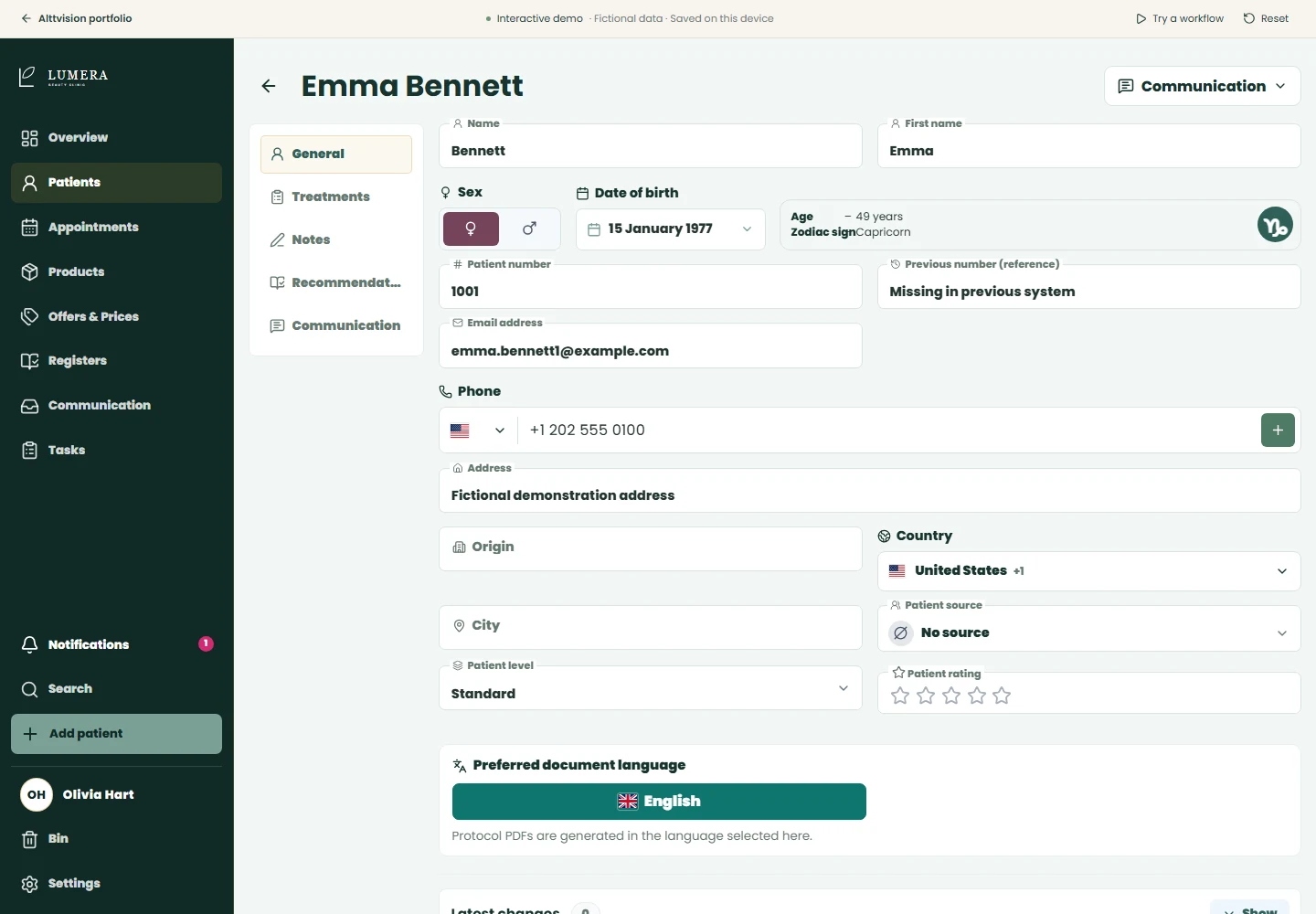
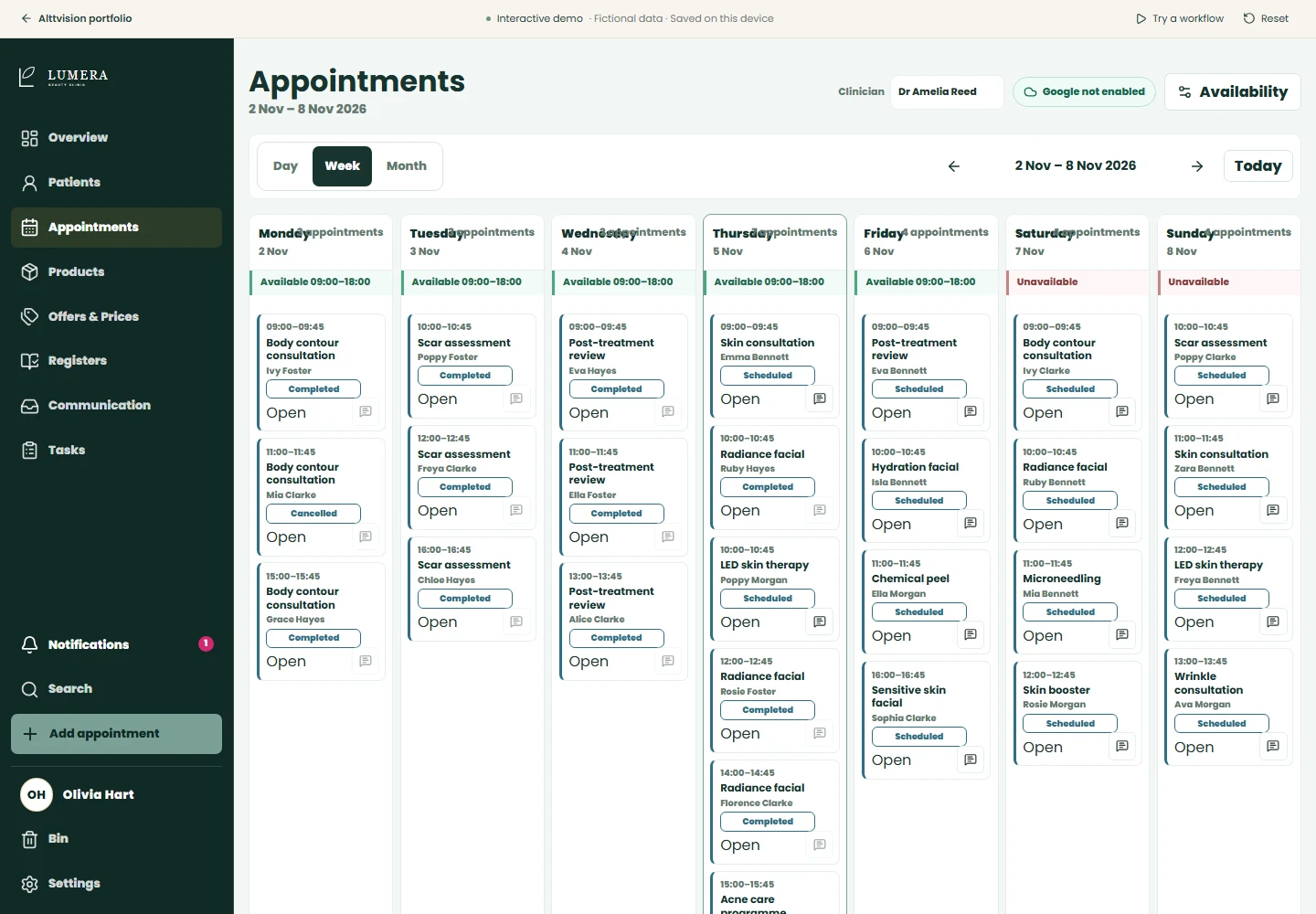
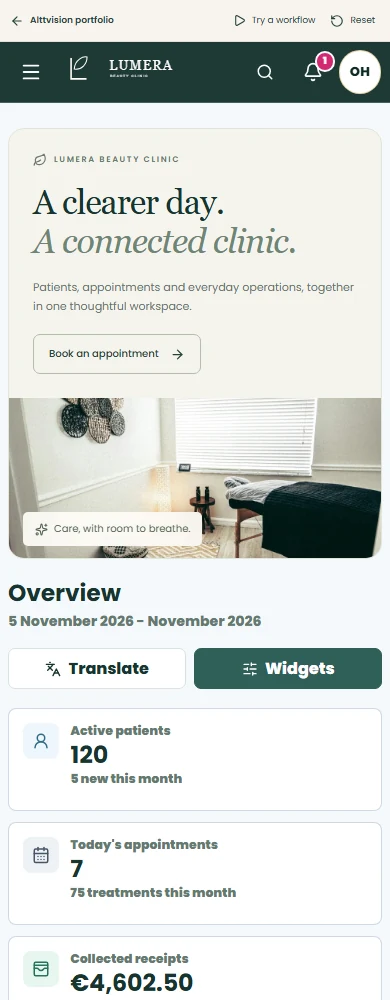
Responsive workflows on desktop, tablet and phone.
Built around the clinic.
Right down to the details.
Explore the operational breadth of a connected product, from the information at reception to the numbers behind the business.
Overview & reporting
Understand patient activity, the day’s schedule, revenue and stock alerts. Filter the picture and follow the detail.
A clearer operating picturePatient records
Keep contact details, care notes, treatment history and recommendations together in a searchable patient record.
Context for every visitAppointments
Create and move appointments, assign the clinician and track the status as the day changes.
A diary that keeps upTreatments & documents
Prepare treatment records, record consumables and use reusable documents, with a clearly marked demonstration of signing.
Less repeated preparationPrices, packages & offers
Organise the procedure catalogue, configure pricing and packages, and apply discounts within the treatment workflow.
Commercial detail, connectedInventory & product lots
Explore products, manufacturers, stock movements and batch expiry dates. Connect treatment consumption to inventory.
Visibility beyond the shelfPayments & registers
Record cash and card receipts, review the register and trace figures back to the activity that created them.
More useful business recordsCommunication centre
Follow enquiries and conversations, explore campaign planning and inspect simulated delivery and performance states.
A more organised follow-upTasks & collaboration
Move work through lists and Kanban, add checklists and comments, and review the steps towards approval.
Clearer ownership of workThe supporting details
Search across the workspace, review notifications, restore items from the bin and explore team preferences.
A complete working experience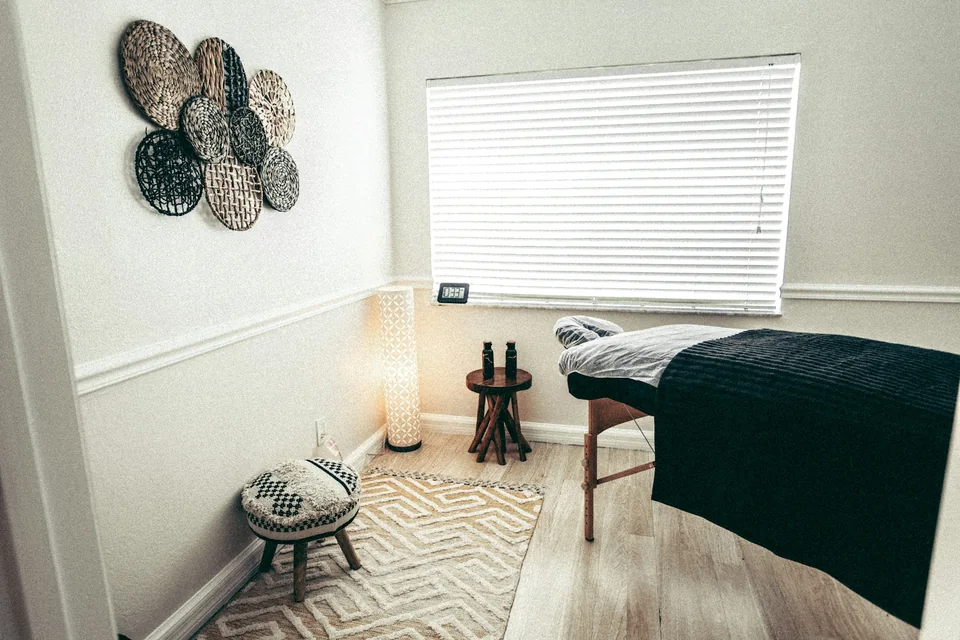 More time for the work
that needs your attention.
Follow the work.
See the connections.
- 01
Book a patient
Find or create a patient, add an appointment and see it appear in the diary and daily overview.
- 02
Complete a treatment
Open the patient record, prepare treatment details, record consumables and create a demonstration document and receipt.
- 03
Manage clinic operations
Review product lots, follow up an enquiry and assign the next task with a checklist and a clear owner.
- 04
Review business performance
Return to the reports to understand the effect of your changes on clinic activity, income and inventory.
What could fewer
admin minutes add up to?
Repeated data entry, record preparation and routine paperwork all take time. Adjust the example to explore the potential effect of bringing those steps together.
saved per month
Based on 550 visits per month and 6 minutes saved per visit.
Illustrative scenario, not measured client results. Actual savings depend on the clinic’s workflow, treatment mix, adoption and existing processes.
Estimated admin time saved
What is included in this example?
The default compares three administrative activities per visit:
| Activity | Manual | Assisted |
|---|---|---|
| Preparing the patient record | 4 min | 2 min |
| Routine treatment documents | 5 min | 2 min |
| Recording and closing the visit | 3 min | 2 min |
These are editable assumptions for an example clinic. The estimate covers administrative work and does not reduce the time allocated to clinical care. The total inputs above replace this example breakdown.
Visits × working days × minutes saved ÷ 60. If assisted time is equal to or greater than manual time, the estimated saving is zero.
Less time piecing things together.
More confidence in the next step.
Carry context forward
Patient and treatment information follows the workflow, reducing the need to look it up and enter it again.
See what needs attention
Upcoming appointments, stock concerns, open enquiries and unfinished tasks have a visible place in the working day.
Connect activity to the business
Related records help explain a total: the treatment, the consumables, the receipt and the report behind it.
Product thinking,
all the way through.
The original clinic platform combines a React interface, NestJS services and PostgreSQL. This public demonstration adapts its interface into an independent browser experience with fictional data stored on your device.
- React
- A detailed, responsive working interface
- NestJS & PostgreSQL
- The original platform’s API and data architecture
- IndexedDB
- Individual, resettable data for this public demo
- Simulated integrations
- Explore workflows without live provider actions
See what a working
platform can bring together.
Browse freely, make changes and reset whenever you like.
Launch interactive demo
Lumera Beauty Clinic is a fictional portfolio identity. All patient, team, financial and operational records in the demo are sample data. Messaging, calls, payments and external integrations are simulated. Stock photography illustrates the atmosphere and does not depict the fictional clinic, its team or treatment results.